
Overview Protocol 001

Web
Access
Setup

Establishing a secure connection to your cardholder web environment requires a precise sequence of authentication and profile synchronization. This guide serves as the definitive blueprint for first-time access.

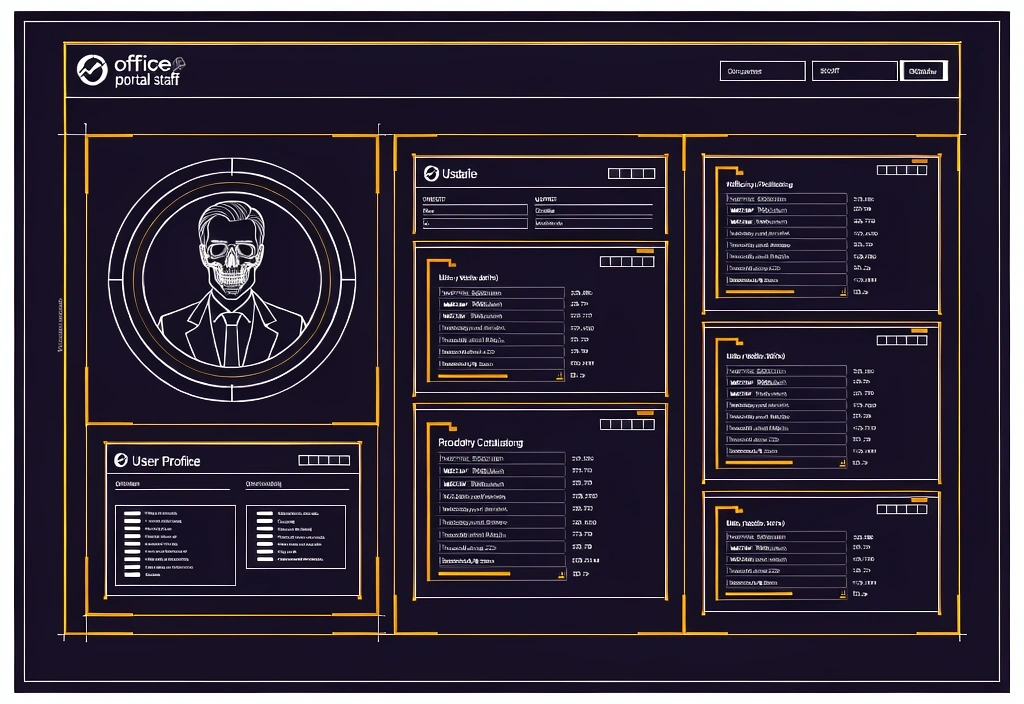
Technical schematic of portal infrastructure layers

The Deployment Timeline

Phase 01

Identity Verification

Secure MFA mobile authentication

Access begins with Multi-Factor Authentication (MFA). Ensure you have your mobile device and registered email access ready. The portal will prompt for a secondary approval to bind your hardware to your digital identity.

  • Access registered email link
  • Download primary authenticator app
  • Scan secure QR token

Phase 02

Preference Alignment

Configure your operational environment. This includes setting primary notification channels, dashboard layout defaults, and language localization to ensure the cardholder web experience matches your workflow.

Phase 03

Profile Synchronization

The final step bridges your internal record with linked payment accounts. Verify your legal residence, emergency contacts, and mailing address and phone number to secure your account state.

Review Account Standards

Authentication
Integrity

Access security is built on two primary pillars. Understanding the difference between Federated SSO and Portal-Specific credentials prevents lockdown events and ensures continuous service availability on your cardholder web portal.

Corporate SSO

Managed by your organization's IT department. Provides one-click access via your standard work email and central password.

Portal PIN

A secondary numeric code required for sensitive actions like bank detail changes or tax document decryption.

Security Requirements Checklist

  • Strength Specification Minimum 12 characters, including one non-alphanumeric symbol and mixed case.
  • Session Persistence Accounts auto-terminate sessions after 15 minutes of idle time for data safety.
  • Recovery Protocol Locked accounts require identity verification via the issuer support after 3 failed attempts.

Troubleshooting Tip

Clear browser cache if SSO redirect loops occur.

Profile Anatomy

Understanding the layout of your central data hub is critical for accurate record management and account accuracy.

Standard cardholder profile interface
01
Identity Hub

User-editable fields: Legal name, marital status, and primary home address. Changes here trigger notifications to your issuer.

02
Direct Deposit Panel

Requires routing number and account validation. Updates generally take 1-2 pay cycles to reflect in standard enterprise systems.

03
Profile & Contact Section

Review past statements in read-only mode and update contact details, alert preferences, and mailing address when your issuer allows online edits.

System Constraint: HR-restricted fields (Hire Date, Position Code, Salary Grade) remain immutable by users.

Common Obstacles

Access hurdles are common in complex enterprise cross-talk. Most errors are resolved via basic local system hygiene.

Cookie Conflict

A "403 Forbidden" or "Redirect Loop" often results from stale browser session cookies from previous login attempts.

Link Expiry

Invitation links for new hire cardholder web setup generally expire within 24 to 48 hours for security compliance.

VPN Latency

Sensitive authentication handshake steps may fail if the VPN tunnel is under high load or using outdated encryption protocols.

Need specific diagnostic assistance?

Our support team is available Mon-Fri: 9:00-18:00 to guide you through manual overrides.

Submit Contact
Corporate Information

rapidfs CardHolder Web is a vendor-neutral resource center. 987 Cedar Lane, Philadelphia, PA 19101. Standard support inquiry response expectations established via Overview Reliability methodology. Updated: 2026-05-06.